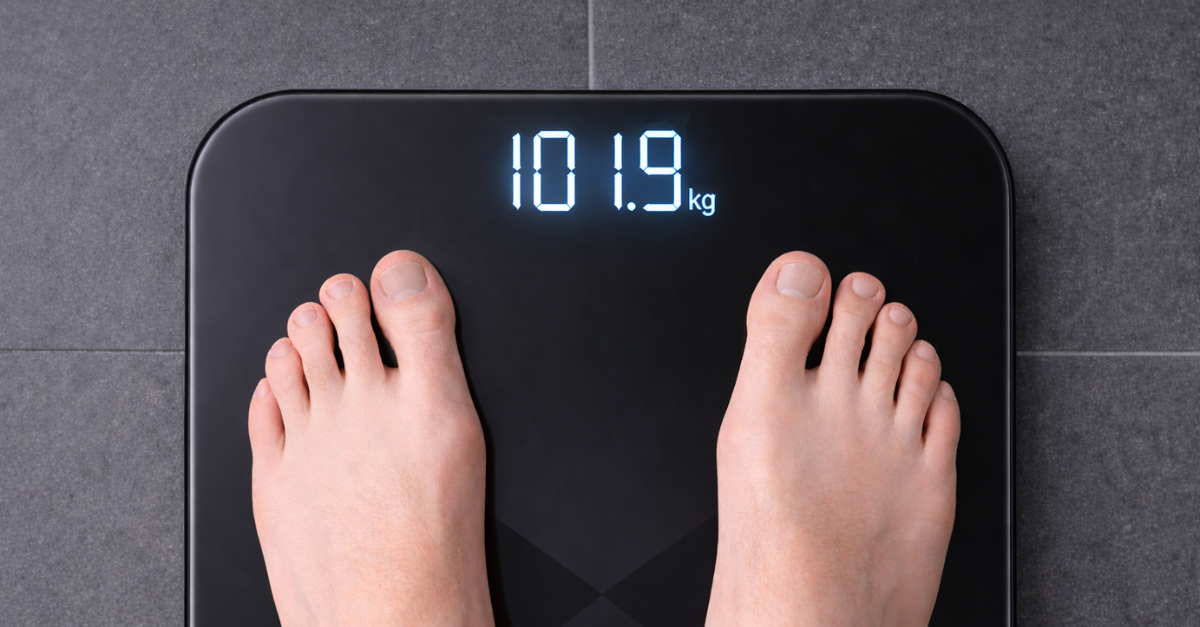
For years, most of my health and fitness data has ended up in one place: Garmin Connect. My watch syncs automatically. Steps, heart rate, sleep, runs and rides all flow into the same timeline. Activities are also synced from Garmin to Strava. There are a few bits and pieces in Apple Health (medications), but it’s pretty complete.
So when I bought some smart scales, I wanted the same thing. One place for all the data.
“Man maths”
The obvious option would have been scales from Garmin or Withings. But those are not cheap. Instead I bought a set from Eufy. Even my man maths couldn’t justify the extra expense.
The theory is that investing in technology to help manage my weight is worthwhile. The reality, of course, is that compulsive eating and weight management are much more complicated than that. But if a gadget nudges me in the right direction, I’m willing to try it.
The problem is that the Eufy app does not integrate with Garmin. So the data sits in its own ecosystem.
Fortunately, Garmin Connect allows body metrics to be imported from a CSV file. With a bit of spreadsheet wrangling, the Eufy export can be reshaped into something Garmin understands.
The format Garmin expects
Garmin’s import format is very simple. A CSV file like this:
Body
Date,Time,Weight,BMI,Fat
11/01/2026,07:22:16,75,25,22
Exactly like that – nothing extra, just those five columns. And the Body line seems to be essential – without it the import fails.
Preparing the Eufy export in Excel
Once you know that structure, the challenge becomes transforming the Eufy export into the same layout.
- Start by exporting your data from the EufyLife app and opening the CSV file in Excel.
- Delete the extra columns so you are left with
Time,WEIGHT (kg),BMI,BODY FAT %.
The Eufy export stores date and time together in one field. Garmin expects them separately so we have to split the date and time.
- Insert two new columns (B and C) after Time.
- In cell B2, enter
=INT(A2). Then format the column as Short Date (dd/mm/yyyy). - In cell C2, enter
=MOD(A2,1). Then format the column as Time (hh:mm:ss).
Excel stores date and time as one number. The integer part represents the date. The decimal part represents the time. These formulas simply separate them.
- Fill both formulas down the column for as many rows of data as you have.
Reshaping the file for Garmin
- Rename the columns so they read
DateTime,Date,Time,Weight,BMI,Fat.
The DateTime column is the original combined value exported by Eufy. We keep it temporarily while splitting the date and time.
- Save the file (still in .CSV format) and close it.
- Reopen the file. Excel will now have replaced the formulas with calculated values.
- Delete the DateTime column.
- Insert a new row at the top and enter
Bodyin cell A1. - Delete any rows that already exist in Garmin Connect so the file only contains new entries.
- Save the final CSV file. Your file should now look similar to this:
Body
Date,Time,Weight,BMI,Fat
14/03/2026,12:55:51,101.9,32.8,34.7
13/03/2026,10:12:27,103.4,33.3,35.4
12/03/2026,06:54:42,104.3,33.6,35.5
Importing into Garmin Connect
- Open the Garmin import data page and upload the CSV file you prepared earlier.
- The Garmin Connect site will recognise the data as Fitbit-style body metrics and ask how the values should be interpreted. Make sure you choose Kilograms for weight units and a date format of dd/mm/yyyy (31/12/2026), then click Continue.
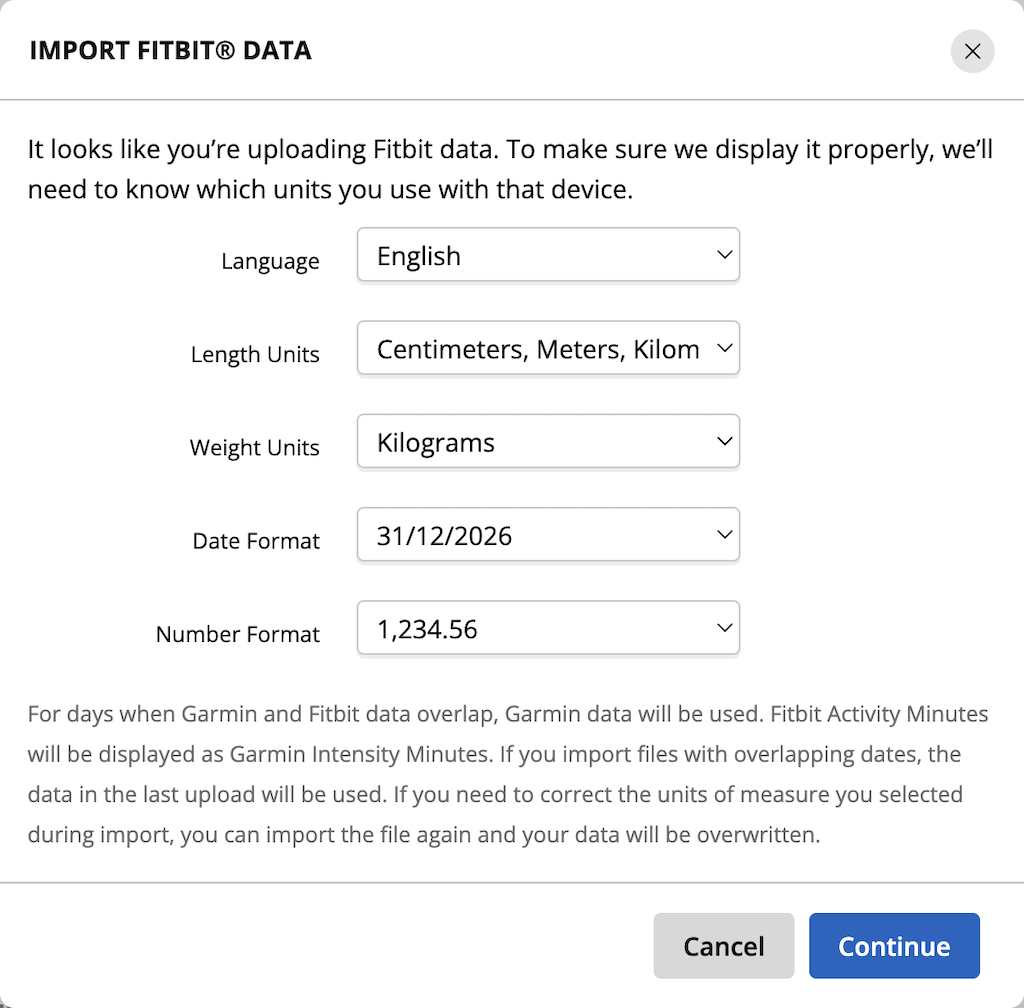
- The import should complete successfully.
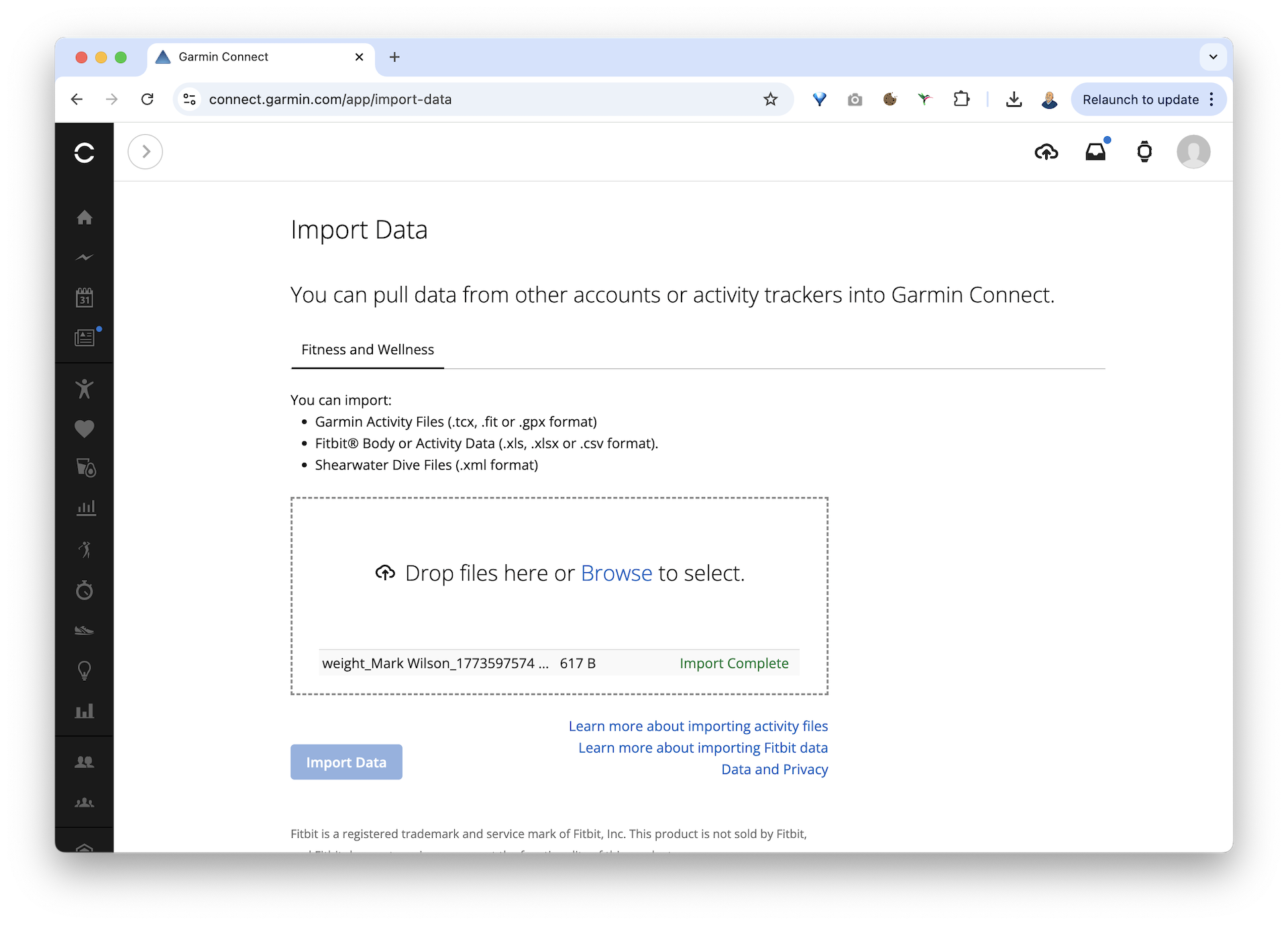
The new entries should appear alongside the rest of your health data (Weight).
That all seems a bit of a faff, Mark!
It’s not quite the seamless integration I would have liked. But it works, for now. As I was writing this up, I thought I should probably script the CSV transformation. Maybe that’s the next step.
For now, at least I have my weight data in the same system as the rest of my fitness data.
Which feels like a small victory – even if the real challenge still happens in the kitchen, at the supermarket, at the petrol station, in the office and just about everywhere else.