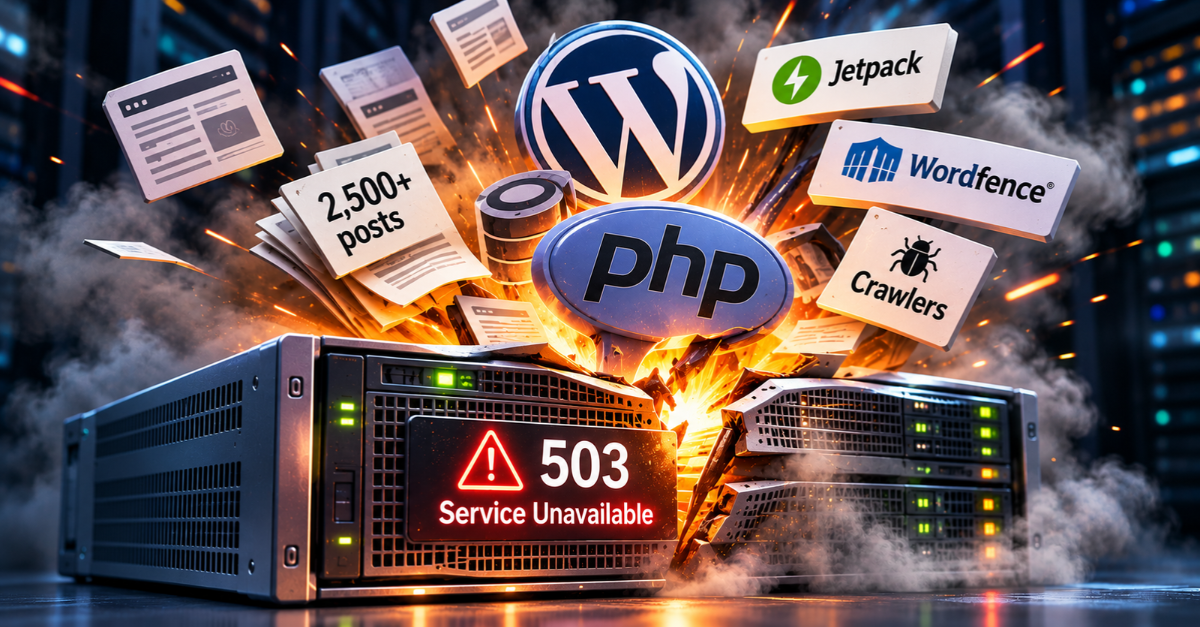
A PHP security alert and a long-overdue WordPress fix
I’ve been blogging since 2004. Over that time, my WordPress site has accumulated around 2,500 posts, covering everything from technology and work to cycling, photography and whatever else happened to interest me at the time.
But WordPress had become increasingly unreliable. Intermittent HTTP 503 errors were a recurring frustration, and attempts to upgrade PHP seemed to make matters worse. It was one of the reasons I decided to start afresh with Hugo, a static site generator, at the beginning of 2026.
My new blog uses Hugo, but the old WordPress installation remains online as an archive. Eventually, I’d like to convert those posts to static HTML too, removing the need to maintain WordPress altogether. That’s a project for another day, though.
In the meantime, the old blog still needs to be kept secure. And in October, a PHP security alert gave me a reason to revisit the reliability problems I’d previously worked around rather than resolved.
The problem with keeping old software running
My WordPress installation had been running on PHP 7.4. Not because I thought that was a good idea, but because previous attempts to upgrade PHP had resulted in the site repeatedly exhausting its hosting resources.
The symptoms were frustratingly familiar: intermittent HTTP 503 errors, accompanied by messages suggesting that the server was temporarily too busy to respond.
Rolling back PHP had restored stability, but it wasn’t a satisfactory solution. PHP 7.4 reached end of life in November 2022, so it no longer receives security updates.
Then, in October 2026, the PHP project released security updates addressing critical vulnerabilities, including CVE-2026-109618 and CVE-2026-109619. The PHP 8.4.27 release provided the necessary motivation to try again.
I upgraded to PHP 8.4.27 through cPanel, checked that WordPress and its plugins were up to date, and hoped for the best.
Unfortunately, the 503 errors returned.
Following the evidence
Rather than immediately reverting to PHP 7.4, I decided to investigate properly.
My hosting account has a 1GB physical memory limit. Looking at cPanel’s resource monitoring, it was clear that memory exhaustion, rather than CPU utilisation, was the immediate problem. At one point, I could see 17 concurrent PHP processes associated with WordPress. Individually, they weren’t particularly demanding, but collectively they were putting considerable pressure on the available memory.
My hosting provider had previously suggested Jetpack might be responsible. That’s not an unreasonable suspicion — Jetpack provides a substantial collection of WordPress functionality — but I use several of its features and didn’t particularly want to start disabling things without evidence.
Wordfence was another possibility. Again, it’s a relatively substantial plugin, but there was nothing to suggest that a scheduled malware scan was responsible for the problems I’d observed.
I downloaded the web server access logs and used ChatGPT to help analyse them. They showed substantial automated traffic, including more than 1,800 requests from a crawler called Barkrowler during approximately 14 hours of HTTPS logging.
That’s not necessarily malicious activity. Search engines and other crawlers are part of running a public website, particularly one with more than two decades of content. But every request potentially adds to the load.
And that led me to something rather obvious.
Why wasn’t I caching the pages?
WordPress generates pages dynamically, using PHP and a database. That’s useful when you’re publishing content, managing comments or delivering personalised functionality.
It’s less useful when somebody — or something — requests a blog post from 2010 that hasn’t changed in years. Without effective page caching, WordPress may need to execute PHP and load its plugins each time that page is requested. Multiply that by concurrent visitors and crawlers, and it’s easy to see how a relatively modest hosting account might struggle.
I checked cPanel and discovered that LiteSpeed Cache was already available and enabled at the hosting level. All I needed to do was install the corresponding WordPress plugin and configure it.
I kept things deliberately simple. Public page caching was enabled, but I left object caching, image optimisation and other optional features alone. I also confirmed that LiteSpeed’s built-in crawler was disabled — the last thing I needed was another process systematically requesting thousands of archived pages to warm the cache.
Then I tested the result from my Mac using curl.
The first request returned:
x-litespeed-cache: miss
And the second:
x-litespeed-cache: hit
Success. LiteSpeed had generated and cached the page on the first request, then served the cached version on the second.
That means subsequent requests for the same public page can be handled without running WordPress again.
A week without a crash
At the time of writing, it’s been just over a week since I enabled LiteSpeed Cache, and I haven’t seen another 503 error.
That’s a considerable improvement on the previous situation, when the site was repeatedly exhausting its hosting resources. I can’t claim to have conclusively diagnosed every aspect of the original problem, but the evidence strongly suggests that repeated requests to uncached WordPress pages were a significant contributor.
More importantly, I’ve been able to keep PHP 8.4.27, Jetpack and Wordfence running without increasing my hosting resources or sacrificing useful functionality.
For now, I’m leaving the configuration alone. If the errors return, there are other avenues to investigate, including aggressive crawler traffic and PHP worker concurrency. But after more than a week of stability, I’m reasonably confident that caching has made a substantial difference.
A reminder about technical debt
There’s a broader lesson here about maintaining older systems.
My WordPress blog isn’t a business-critical application, but it’s still a public-facing service that needs security updates, dependencies and hosting resources. Leaving it on an unsupported PHP version wasn’t a sustainable answer, even if it appeared to make the immediate problem disappear.
Moving my new content to Hugo reduced my dependence on WordPress, but it didn’t eliminate the technical debt associated with maintaining the old archive. The security alert forced me to revisit an issue I’d worked around rather than resolved.
In the end, the improvement didn’t require more memory, a hosting migration or removing useful functionality. It came from recognising that most requests to a long-established blog shouldn’t need to execute the entire WordPress application.
Eventually, I’ll finish moving the archive to static HTML and remove that dependency altogether.
Until then, a little caching seems to have bought me some breathing space.