Two Zigbee pairing tricks I wish I’d known earlier
During my migration from Philips Hue to Home Assistant’s Zigbee Home Automation (ZHA) integration, I spent a surprising amount of time persuading smart bulbs to join the network. Most behaved, but a few were less cooperative (there’s a reason that IKEA TRÅDFRI bulbs were cheap…).
I’d been using ChatGPT to help troubleshoot a particularly stubborn IKEA GU10 spotlight. It was being discovered by ZHA but repeatedly failing to complete its interview. ChatGPT concentrated on analysing the Zigbee logs, investigating routing and security errors, and suggesting changes to the pairing environment. Despite all that investigation, we weren’t getting anywhere.
When I Googled for another perspective, I got some AI results from Gemini. Rather than concentrating on why the pairing was failing, Gemini suggested two alternative ways to approach the problem. Neither ultimately fixed the IKEA bulb, but both proved useful elsewhere in the migration.
Resetting a bulb with a Philips Hue dimmer
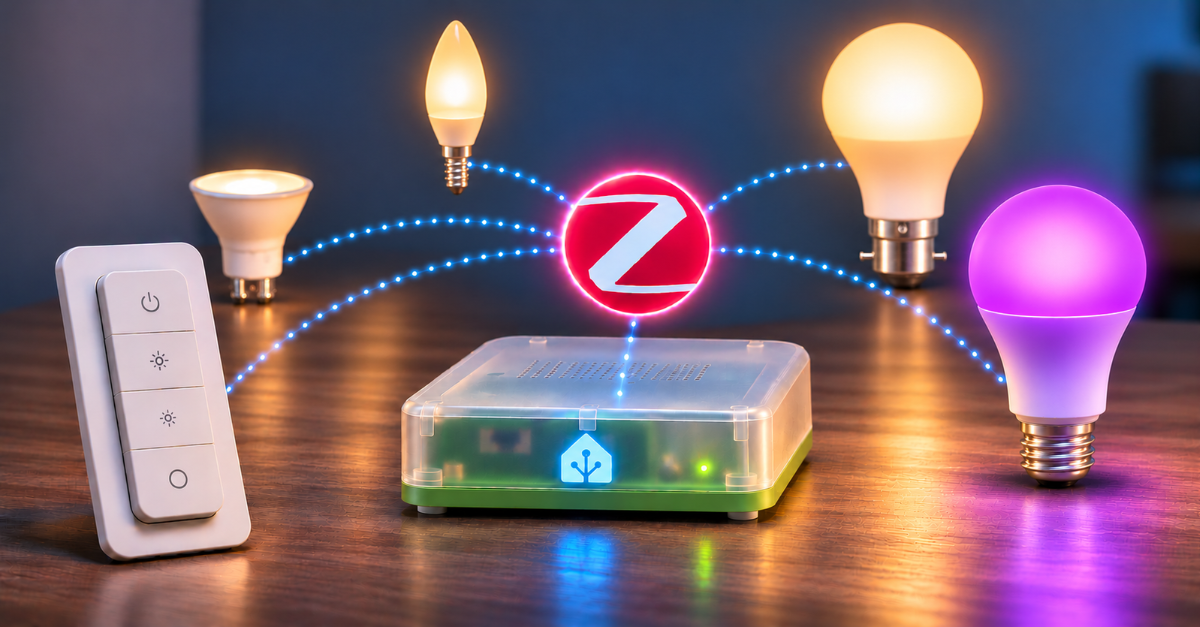
The first technique uses a Philips Hue dimmer switch to perform a TouchLink reset on a compatible Zigbee bulb.
TouchLink is a Zigbee mechanism that can be used for commissioning and resetting certain lighting devices. Importantly, it can work without the bulb being connected to the same Zigbee network as the dimmer.
With the dimmer held very close to the bulb, pressing and holding the On and Off buttons together for approximately 15 seconds can initiate a reset. I used this successfully with an Innr bulb in my son’s bedroom. The bulb had become unavailable on Hue, possibly because it was powered off when the Hue Bridge changed Zigbee channels. After resetting it, I was able to pair it with ZHA. The same technique didn’t work with the troublesome IKEA GU10, so compatibility shouldn’t be assumed.
There is also a reason to be careful with TouchLink. During an earlier experiment using Hue Essentials, I accidentally transferred a nearby Innr bulb from ZHA to Hue instead of targeting the IKEA bulb I was trying to recover. Fortunately, I was able to reset and rejoin the Innr bulb to ZHA, but the experience demonstrated that TouchLink can affect a device other than the intended target. If there are other Zigbee bulbs nearby, it’s sensible to switch them off before experimenting.
Adding devices through a specific Zigbee router
The second technique is a feature of ZHA that I’d completely overlooked.
Normally, when adding a Zigbee device in Home Assistant, I go to Settings → Devices & services → ZHA and select Add device. But there’s another option.
From the ZHA device list, open the page for an existing mains-powered Zigbee router, such as a compatible smart bulb or smart plug. On its device page, use the three-dot menu beside Reconfigure and select Add devices via this device. This initiates joining through the selected router. It’s useful when the device being paired is some distance from the coordinator but close to another Zigbee device that can act as a router.
It doesn’t guarantee that the new device will permanently use that router as its parent. Zigbee networks can change their routing arrangements over time, but it provides a more targeted starting point for pairing.
In my case, I used this technique when migrating the last Innr bulb in my son’s bedroom, after resetting it with the Hue dimmer. It joined successfully. I subsequently tried the same approach with my stubborn IKEA GU10, using nearby working bulbs as routers. Unfortunately, that device still failed to complete its interview.
Useful techniques, not universal fixes
Both techniques would have saved me some time if I’d known about them at the start of the migration. The Hue dimmer reset provides an alternative when the usual power-cycle procedure isn’t working or is inconvenient,